Continue reading “Access Navigator featured on Easter Seals podcast”

 Menu
Menu
Helping all people have easy, efficient access to computers and similar technology, especially those with physical disabilities such as cerebral palsy, spinal cord injury, or neuromuscular disease.
We recently discussed our Access Navigator app on the Assistive Technology Update podcast, hosted by Easterseals Crossroads. Give it a listen here.
We’re excited to announce the release of Access Navigator software: a free tool to support decision-making for alternative access!
Join the RERC on AAC along with practitioners and researchers from the assistive technology community at the ATIA 2025 conference. We’ll present on our AAC projects and look forward to seeing you at the RERC on AAC exhibit booth!

Join the RERC on AAC at our presentations and our booth in the exhibit hall for the ATIA 2025 conference. ATIA 2025 is where the assistive technology community will gather, January 30 – February 1, in Orlando, Florida and virtually! Over the past 25 years, the ATIA conference has been a leading community-building and learning event for all things AT.
If you have experience prescribing access devices for individuals with severe motor impairments, please help us evaluate a new app called Access Navigator.

We are developing an app called Access Navigator with the RERC on AAC to help clinicians complete alternative access evaluations. We now have a working app, and we really need people to try it out. Please consider participating in our evaluation study for Access Navigator and read on to learn more.
Continue reading “Request for participants: Try our Access Navigator app”
Our free AT-node for access website is back up and running. How fast can people with physical disabilities type when using different assistive technologies? Use AT-node to get evidence to enhance your understanding.

AT-node is a website that organizes the available research evidence on text entry rates (typing speeds) for people with physical disabilities. We built it a few years ago, and recently it had not been working due to necessary platform changes. I finally got around to fixing it, and now you can run AT-node for Access again.
Continue reading “AT-node revisited: explore the data on typing with assistive technology”
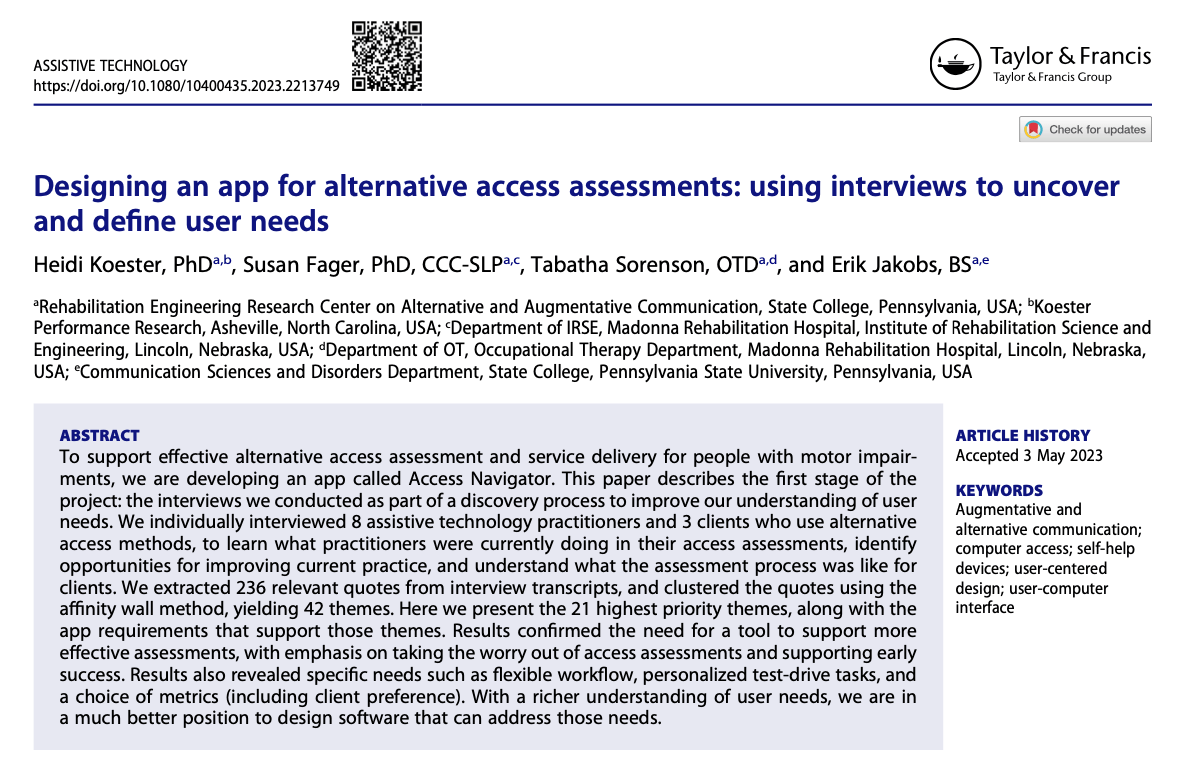
Happy to announce that our new article just came out in the Assistive Technology journal! Read on to learn how we involved users when designing our Access Navigator app for alternative access assessments.
Don’t miss the RESNA 2021 Virtual Conference, July 7-9, 2021! Registration deadline is Friday, June 25, 2021. I’ll be part of three presentations (more on these below). Hope to see you there!
Because of Covid-19, there’s a greater need for assistive technology practitioners to conduct remote assessments. This post presents a method used by occupational therapist Charlie Danger to assess for eyegaze access remotely.
KPR’s Compass software for access assessment is designed for in-person use involving a computer user with disabilities and an assistive technology practitioner. But there are a couple of ways to use Compass during remote sessions, when being together is difficult or impossible. Read on for how.
To support efforts to slow the spread of COVID-19, here are some resources to help ensure the accessibility of remote teaching, learning, and working. When moving to remote formats, we want to meet the needs of all participants, including those with disabilities, as we tackle this huge challenge together.